
Digital Nomads – These are people who work online while on the go (i.e., while moving from place to place). They can work from anywhere they have access to their device and a reliable internet connection. For example, a digital nomad working in a small cafeteria in Australia might be working in the Himalayas next week.
Working like a digital nomad sounds exciting to many. However, the perks of being a digital nomad come with specific challenges you may not often see. And among them, the biggest challenge is having a stable internet connection. Well, there are many more that make completing tasks difficult on time.
That is where many nomads use smart digital tools to make their work easier. They help them perform efficient research to organize things and market them all without wasting time.
In this blog post, we are going to talk about some hidden tools that support digital nomads behind the scenes and help them complete many tasks very quickly and efficiently.
5 Hidden Tools That Digital Nomads Often Use
When you go online and search for smart tools, the list is enormous. Some among them, like ChatGPT, are so common that you might already know about them. Beyond these tools, there are others that remain less prominent but perform many complex tasks within seconds. Below, we are going to take you through both prominent and lesser-known tools that many digital nomads use to work more effectively.
1. ChatGPT – AI Chatbot That Handles Half Your Work
ChatGPT is among the most popular AI chatbots, used by millions worldwide today. This is a tool that the majority of digital nomads have bookmarked in their browsers. Digital Nomads use ChatGPT to:
- Get instant answers to certain questions.
- Simplyfying complex concepts.
- Drafting emails and proposals.
- Communicating with non native clients and handling many other writing tasks.
In fact, many of the nomads use ChatGPT as their personal assistants. They use it for planning their trips and logistics. GPT helps them customize their trips based on the preferences they enter, such as budget, interests, and travel style.
2. Reverse Image Search – Verifying Photos and Their Sources
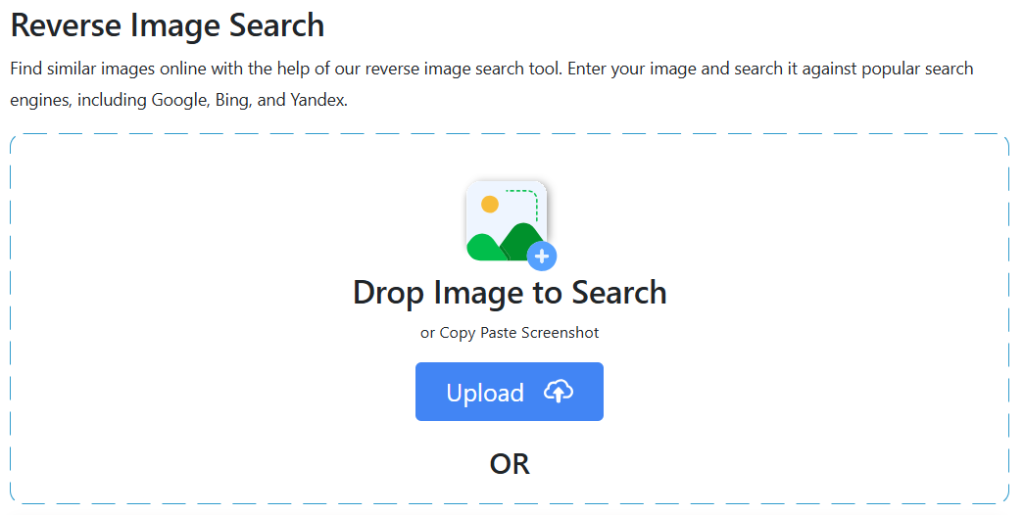
A reverse image search is a tool that can find the source, duplicate, and original versions of an image available online. This tool is invaluable for digital nomads working in the marketing field. And the majority of the nomads working remotely are somehow attached to the online marketing industry.
During their work, they often receive images that they have to deal with. For example, a client might ask for the same work as in the image, and another might ask to verify the information inside the images. At the same time, some can ask for more similar images of a product.
That is where the reverse image tool jumps in and helps with all of the tasks mentioned earlier. Using these tools, a digital nomad can:
- Verify where that picture appears online
- Find the original source
- Find similar images of a product
As an example,
Let's suppose a digital nomad is working on listings for an affiliate marketing program. Instead of finding different image versions of the same product, they can use the reverse image tool, choose a search engine, and get multiple images of the same product available online within seconds. Doing this will eliminate the need for manual search and save them a lot of time.
3. Image to Text Converter – Fastest Way to Capture Text
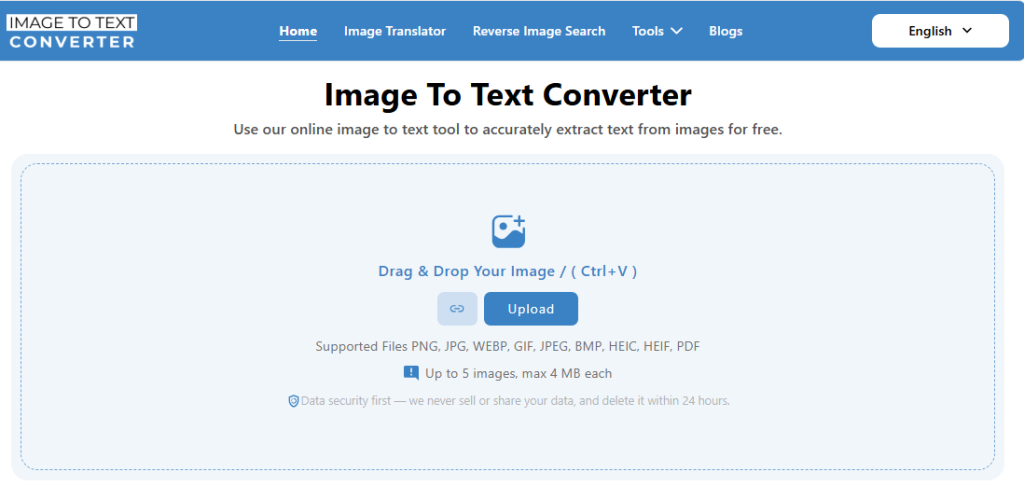
The image to text converter is an online tool that uses OCR technology to extract readable text from images.
As we mentioned earlier, digital nomads are usually on the move. Sometimes they receive information in the form of images. And those images often include the text that needs to be extracted, e.g., for analysis, calculation, rewriting, etc.
That is where image to text converter tool comes in handy. Instead of typing everything manually and spending a lot of time on this non-essential task, digital nomads can use this OCR tool to extract the text. All they need is to:
- Visit the image to text converter tool.
- Upload their image.
- Convert to text.
- Copy/download the extracted text.
This eliminates the need to type things manually, which is usually prone to human error. Also, it saves nomads time. And above all, they receive the text extract in a clean, digital format that they can use for the required purpose.
4. JPG to Word – Organizing Documents
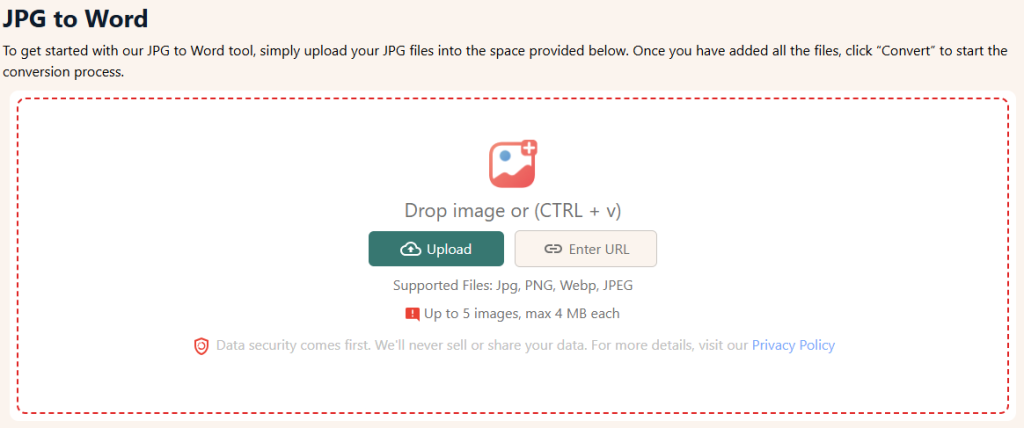
Organizing documents is a challenging task for digital nomads. Since they travel a lot, they have to manage the documents needed for their trips. Also, the invoices and receipts of their spending at different locations require proper organization. They are necessary for maintaining books (i.e., expenditure, profit, tax, etc).
Now, the thing is that managing too many documents in the complex paper form is challenging. Also, there is a chance of misplacement. That is where the JPG to Word conversion tools come in handy.
Many digital nomads use them to organize all the receipts from a single tour into a single document. This way, they do not have to bring all the receipts to the next destination.
Also, many use the tool to organize all the travel-related documents into a single document and store them on their local devices and in the cloud. Whenever they need a document, they can access it right from their mobile instead of physically going through papers one by one.
5. QR Scanner – For Safe Connectivity
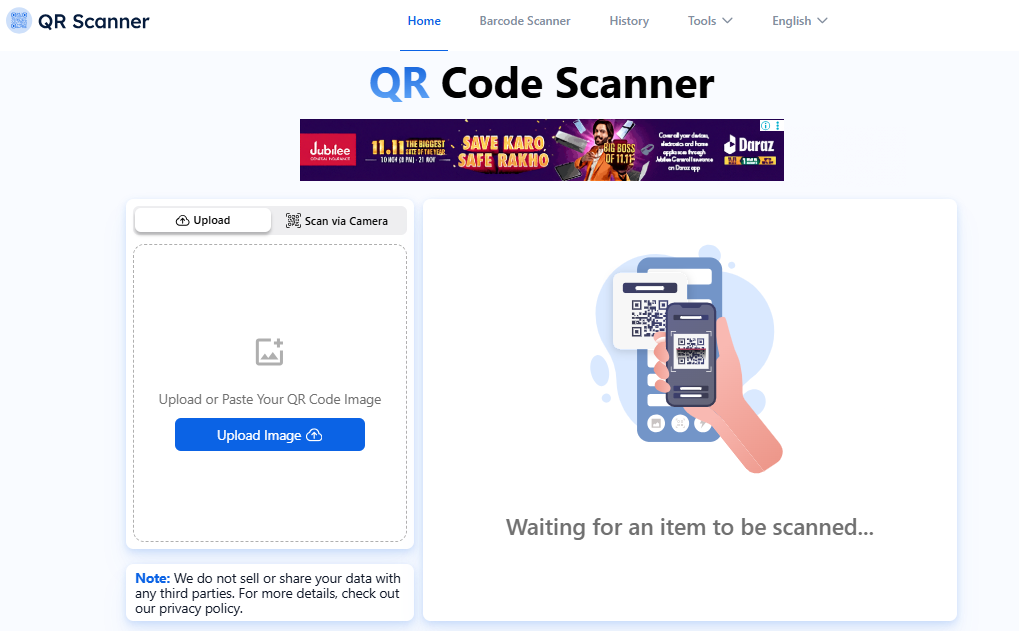
Many nomadic workers use QR scanners to connect to Wi-Fi networks, make instant payments, etc.
You might be wondering why nomads use a QR code scanner rather than the built-in QR scanner on their mobile devices.
Well, there are three main reasons behind it.
- Firstly, not all mobile devices have built-in QR scanning ability.
- Secondly, nomadic workers often need to connect their laptops to Wi-Fi, which also lacks built-in QR code scanning.
- Thirdly, a device with built-in QR scanning usually takes direct action (e.g., connecting to a network) without revealing internal information. This poses a high risk of phishing scams, compromising their device security.
That is where nomadic workers need an online scanner. When they scan a QR code with the online QR scanner, instead of taking the direct action, the tool first reveals the information embedded in it (i.e., the WiFi password). This helps them ensure they are not falling for a phishing scam and that their devices are completely secure.
Final Talk
Working on the move comes with its own set of challenges—but the right digital helpers make all the difference. The tools mentioned above quietly allow digital nomads to stay productive no matter where they are. With these innovative solutions in place, nomads can focus on their work and enjoy the freedom that comes with a location-independent lifestyle.


 Work, Wander, And Win Deals: Shopping Hacks For The Modern Nomad