
Table of Contents
Teachers used to be known by the size of the textbooks and notebooks that they carry around as part of their profession. Times are fast changing, and a lot of teaching goes on online, as you can see from this list of online teaching jobs.
There are many tablets in the market that will allow a teacher to deliver advanced learning methods and better organize all required paperwork for classes. With so many tablets in the market, we will be looking at some of the top tablets that any online teacher should consider in their list of tools.
1) Samsung Galaxy Tab S3 (9.7-inch)

Samsung makes some of the best tablets in the market and the Galaxy Tab S3 stands out from their current set of tablets.
The tab comes with a stylus pen that makes it easy to take notes on the crispy super AMOLED screen. This 9.7-inch tablet runs with the help of a powerful Qualcomm MSM8996 Snapdragon 820 processor that delivers all apps with speed and fluidity.
The stylus allows you to take notes with minimal effort and Samsung Cloud gives you up to 15GB of free storage to save all your teaching notes and projects.
2) Apple iPad Pro 11-inch

The only reason why we do not rate the iPad Pro higher for teachers is because it costs extra to buy the Apple Pencil which also needs to be charged regularly.
Teaching foreign students
Speak to Students in Their Own Language With Typeless
Typeless is a voice keyboard that translates as you speak. Talk in English and it writes your message in your student's language, across 100+ languages, in any app on Mac, Windows, iOS and Android. Handy for first chats with beginners, lesson notes and messages to parents.
The iPad Pro is powered by a blazing-fast Apple A10X Fusion chipset that gives it enough juice to run all the apps a teacher would need for online teaching. The LCD screen of the iPad Pro is also illuminated by back LED which gives it a vibrant screen that is perfect for image, text or any content that you need to view. The price starts from $869 for the 64GB storage version with only Wi-Fi.
3) Microsoft Surface Pro 4

A lot of teachers who prefer to have a laptop to a tablet can get the best of both worlds with the Microsoft Surface Pro 4.
This is the 32GB storage model that runs the latest Windows 10 operating system and packs a 12.3” screen that delivers quality images and readability.
This beautiful and stylish gadget is light, portable and can be combined with a full keyboard accessory to give the functionality of a laptop. The powerful processor beneath the hood also ensures that you never have to worry about running any app or creating any content.
4) Amazon Fire HD 10 Tablet

Amazon makes one of the best tablets for teachers in the market that is well-suited to teaching purposes.
One of the cheapest tablets on our list, and it runs on Amazon’s Fire OS. The 10.1-inch screen does its job really capably and comes with a lot of free software and storage if you have an Amazon Prime account. The touchscreen is fluid, extremely responsive during usage and bang for its bucks.
5. Wacom Drawing Tablet
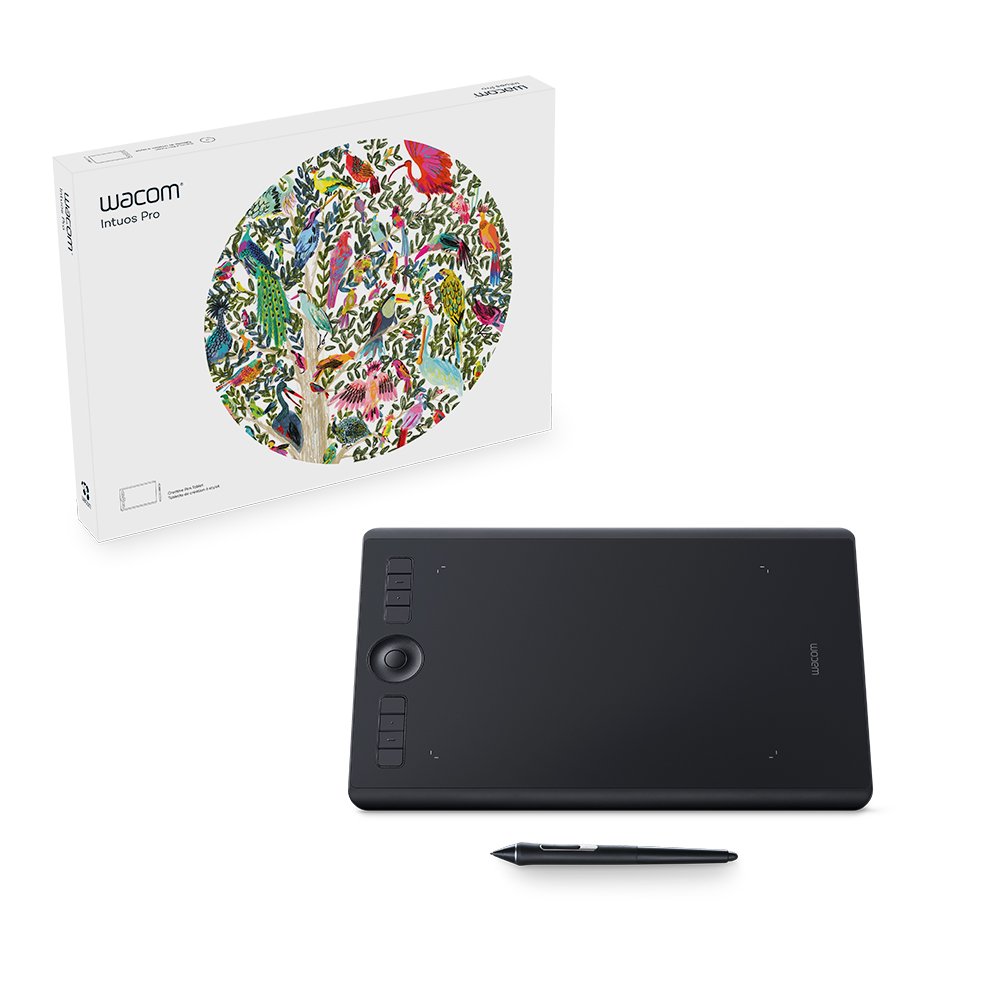
Teaching online means that you sometimes have the chance to rely on some tools that you may not necessarily need for normal classes.
Solving a puzzle by hand or showing your classroom a drawing technique could be so much easier if you were able to use a drawing tablet which could show a live or recording handwriting to your students’ screen. This is why the Wacom Drawing Tablet is a great drawing tablet for teaching English online. Especially with wide subject teaching platforms like Allschool.
Technical Specifications
The Wacom Intuos Pro has a nice 15.8-in screen that is quite responsive to the slightest levels of pressure and over 60 levels of pen tilt. The high resolution of the screen ensures that you always see what you’re doing. It contains 8 Express Keys that can be configured for use as well as a Touch Ring.
It comes equipped with a Pro Pen 2 which you use for showing handwriting and notes over the screen to your class. It is a well-built tablet that is quite durable with a long-lasting battery. You also get the feel that it is just better looking and performing than any generic brand of Drawing tablet in the market.
The software is also extremely easy to customize. A few minutes on the settings page is enough to help you change most of the settings to suit your online teaching needs. The Wacom tablet is also compatible with the latest versions of both Windows and Mac Operating Systems which makes it quite versatile and easy to use with any computer setup you may have.
Any of the tablets on this list are reliable enough to satisfy anything that you may need as an online teacher. You can compare these according to your budget and unique needs.
The flexibility of teaching on mobile ESL apps such as PalFish is second-to-none. It differs from the following teaching platforms that operate on laptop or desktop:
However, for mobile and tablet teaching platforms, you may find you a need for…
Tablet Stand For Mobile ESL Teaching
You can kick back in a chair with tablet in hand as you chat and earn. However, there may be some situations, where teaching online at your desk is what is needed.
Maybe you want to show your student something, or demonstrate a topic with your hands or body language. And it's no good having to hold your tablet in this circumstance! That's why for this situation, we've tracked down a great tablet stand on Amazon to give you even more freedom whilst teaching online via mobile device!
Lamicall Tablet Stand
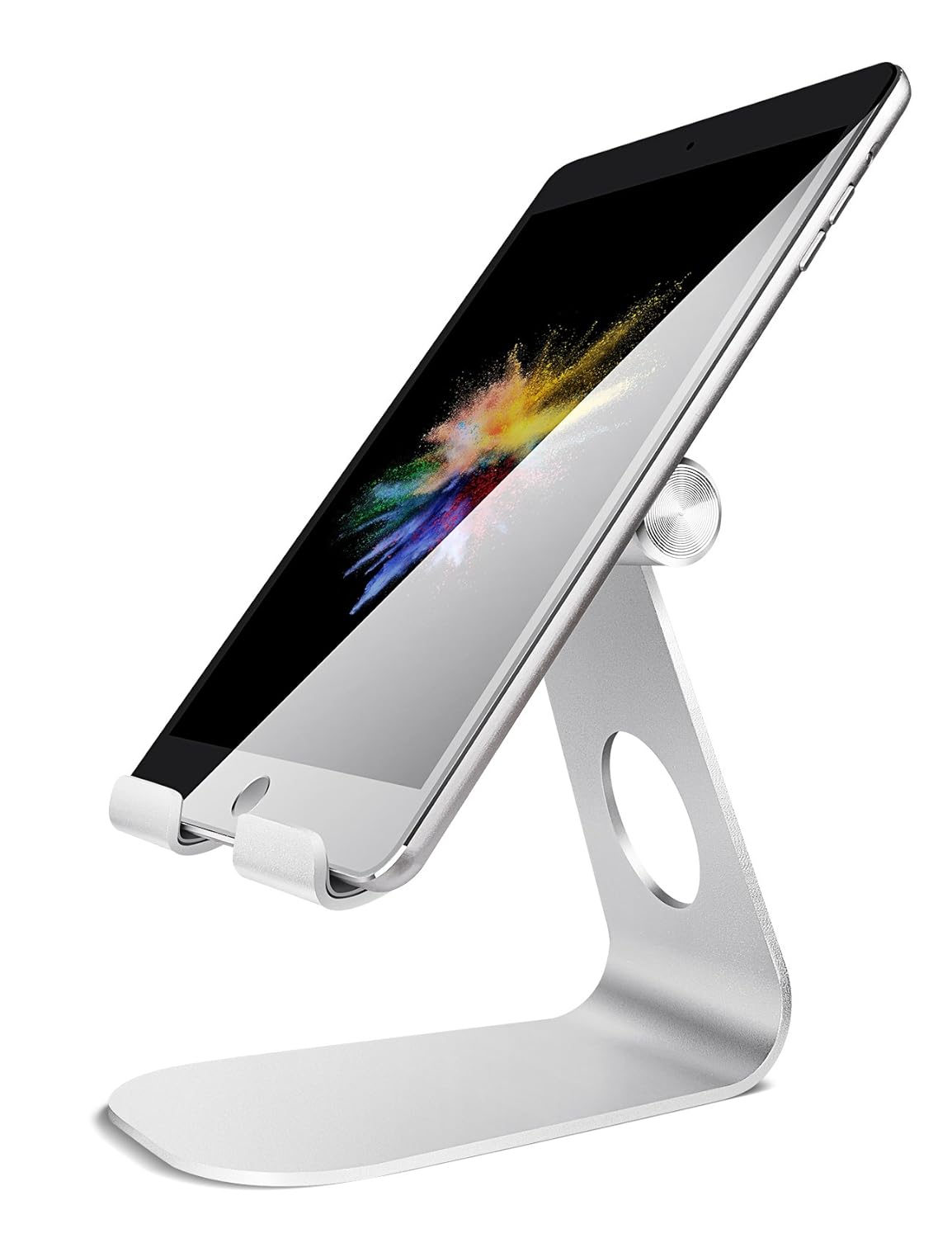
Compatibility of Lamicall Tablet Stand
Compatible with Tablets such as:
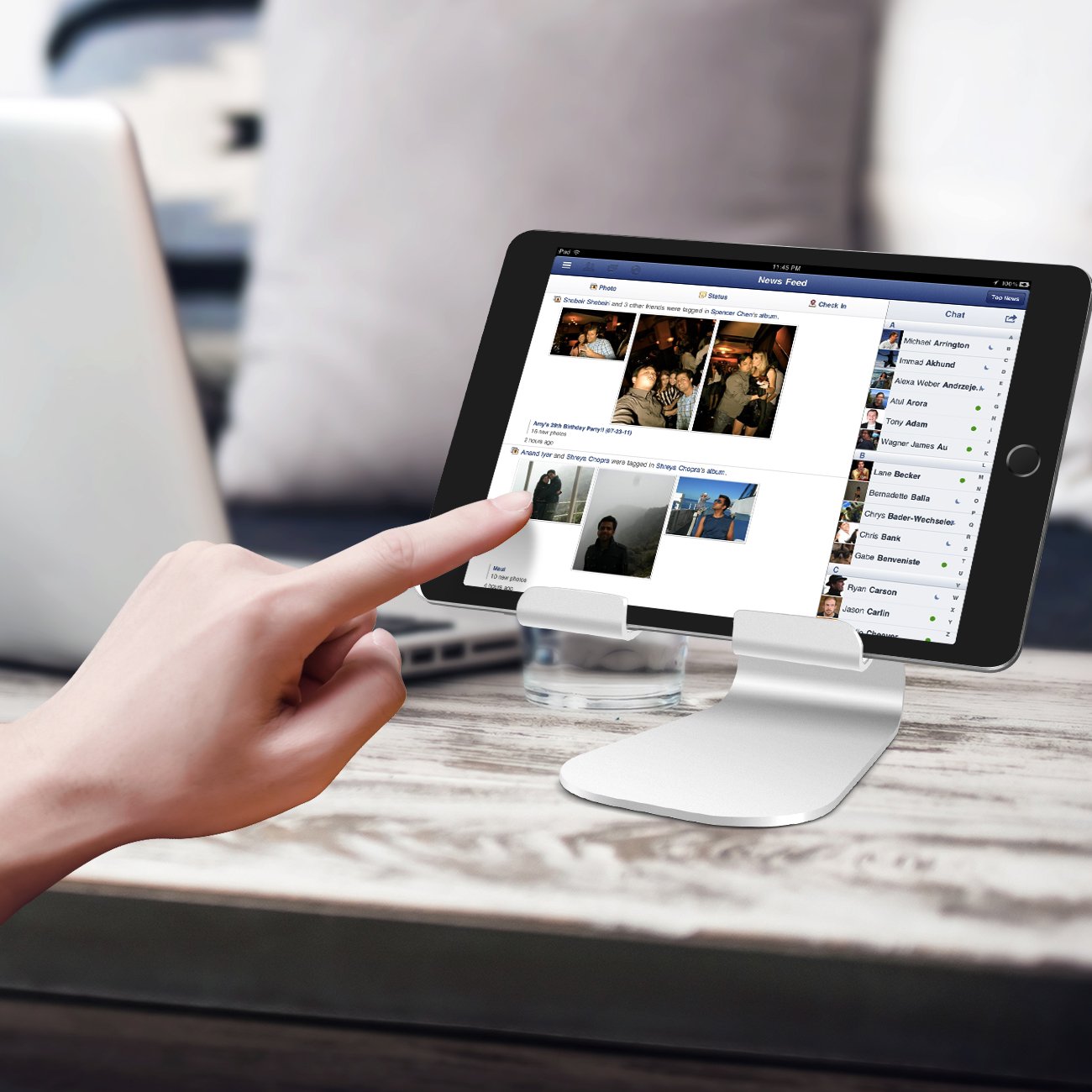
Design Specifications
- Easily adjustable for both horizontal and vertical placement.
- Made with rubber pads to protect tablet from scratches caused by sliding.
- Also made from spaceflight Al-Ti alloy steel material which makes for durability as well as lighter weight.
- You also have lifetime warranty from Lamicall when you purchase on Amazon.
Perfect for whatever you want to use it for!
It's not just for teaching! The stand is perfect for kicking back and watching a few YouTube videos or a movie after you finish class.

Find Your AI Training Job
Chat with DigiNo Toucan and get matched to remote roles in one minute.

 Ukulele for Teaching Online – Improv, Songs & Best Ukuleles To Buy